Smartmontools: control and monitor storage systems
Smartmontools contains two utility programs that utilize technology built into most modern storage drives to provide advanced warning of disk failure.
SMART technology
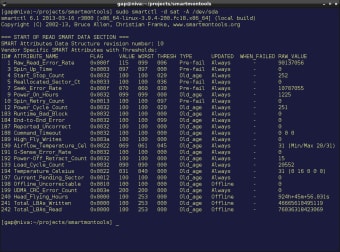
Smartmontools makes use of the SMART systems that are built into most modern SCSI/SAS, ATA/SATA, and NVMe storage drives. SMART—Self-Monitoring, Analysis, and Reporting Technology—provides several trackable variables known as SMART attributes, which contain information about the current condition of the device, including things like the power cycle count, the erase fail count, and much more. Smartmontools makes use of these stats to determine if a storage drive is getting close to failing, giving the user advanced warning of the failure and time to retrieve their data safely before the drive fails altogether.
Compatible with most modern operating systems
Essentially a package of two smaller individual tools—smartctl and smartd—the tool is compatible with most modern Windows, macOS, and Linux computers and explicitly names several Linux distributions as part of that compatibility. It is also compatible with a number of less common operating systems, such as OS/2, Solaris, Cygwin, and more.
Bare-bones storage drive monitoring
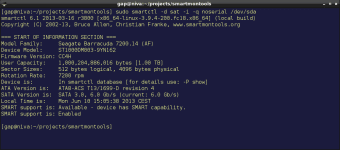
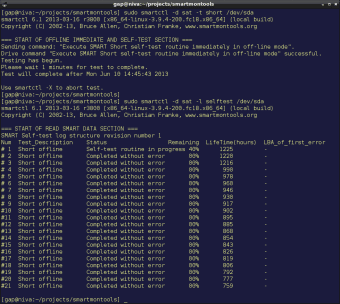
Unlike some programs like CrystalDiskInfo and GSmartControl, smartmontools is a command line tool, meaning it is used through a terminal interface and controlled with text commands. The lack of a graphical user interface makes it less user-friendly, but the underlying tools themselves are just as effective. While this may put users of Windows and macOS off, it is useful for users of command line-oriented operating systems like Cygwin. In addition to the applications mentioned above, there are several alternatives with user interfaces, such as HDD Health, and while HDD Scan doesn’t use SMART attributes, it does offer the ability to scan your storage drives for bad data, which is something that smartmontools doesn’t offer.